eMed
The Problem
People needed to go to the doctor’s office to get tested for COVID-19 in order to travel. This is inconvenient and introduces the risk of exposure if you weren’t already infected.
The Solution
Test at home, virtually guided by a telehealth proctor. Users receive a verifiable lab report confirming their negative test result, allowing them to safely board a plane or cruise.
The Process
Understanding the user journey in the current problem space
Scenario: A woman who lives in the US would like to travel abroad while there are travel restrictions due to COVID-19.

Constraints
• Users would be taking a physical medical test. In addition to interface interaction, there are physical, 3D interactions to keep in mind as well. One of these was ensuring the test remained in the proctor’s line of sight throughout the experience.
• Telehealth proctors would not have a webcam, so users would not be able to see who they are talking to. This creates an uncomfortable imbalance in the interaction.
• Instructions were provided by the test manufacturer in the form of static graphics.
• Time for the project was limited due to the urgent nature of COVID-19.
Ideation
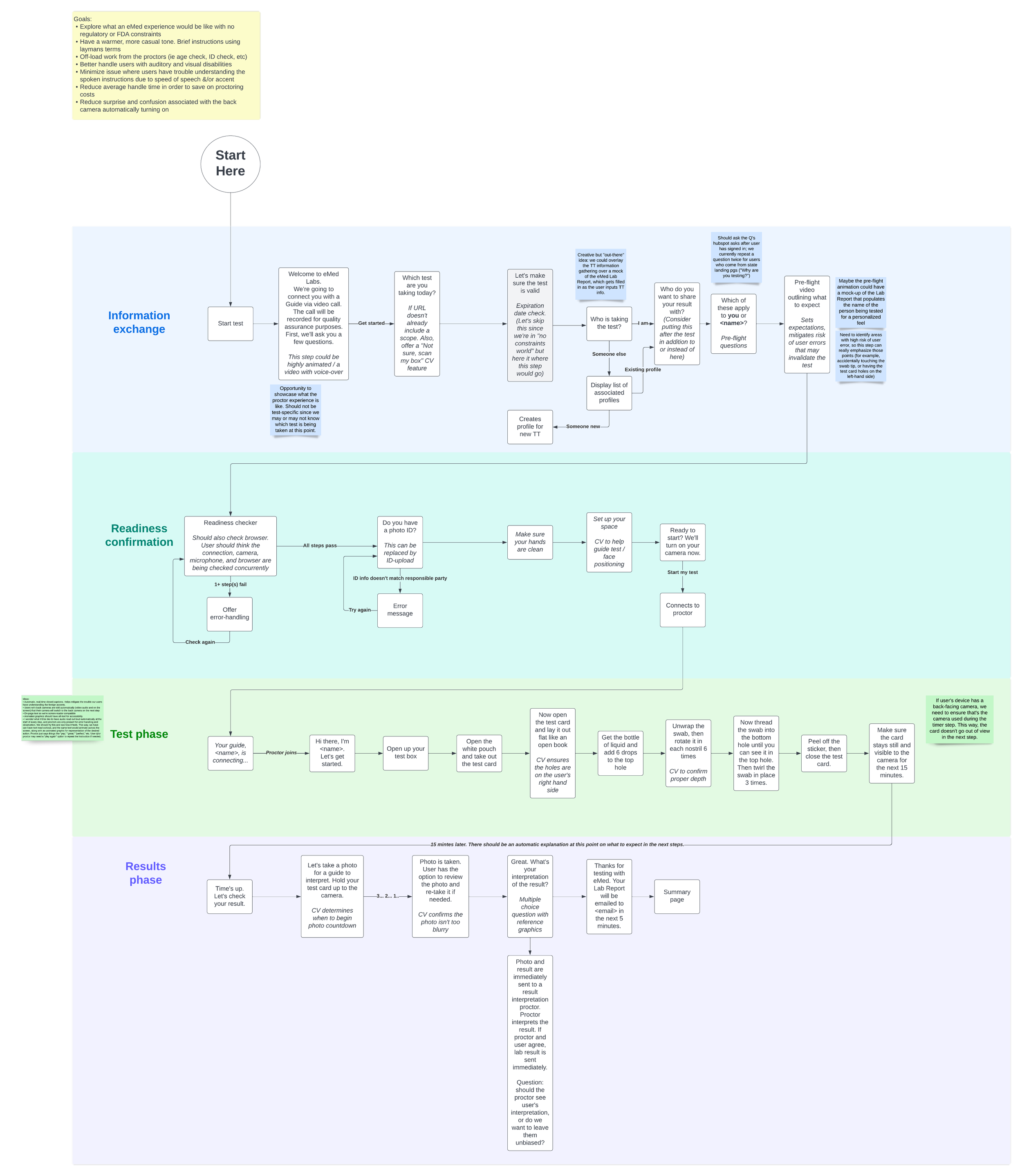
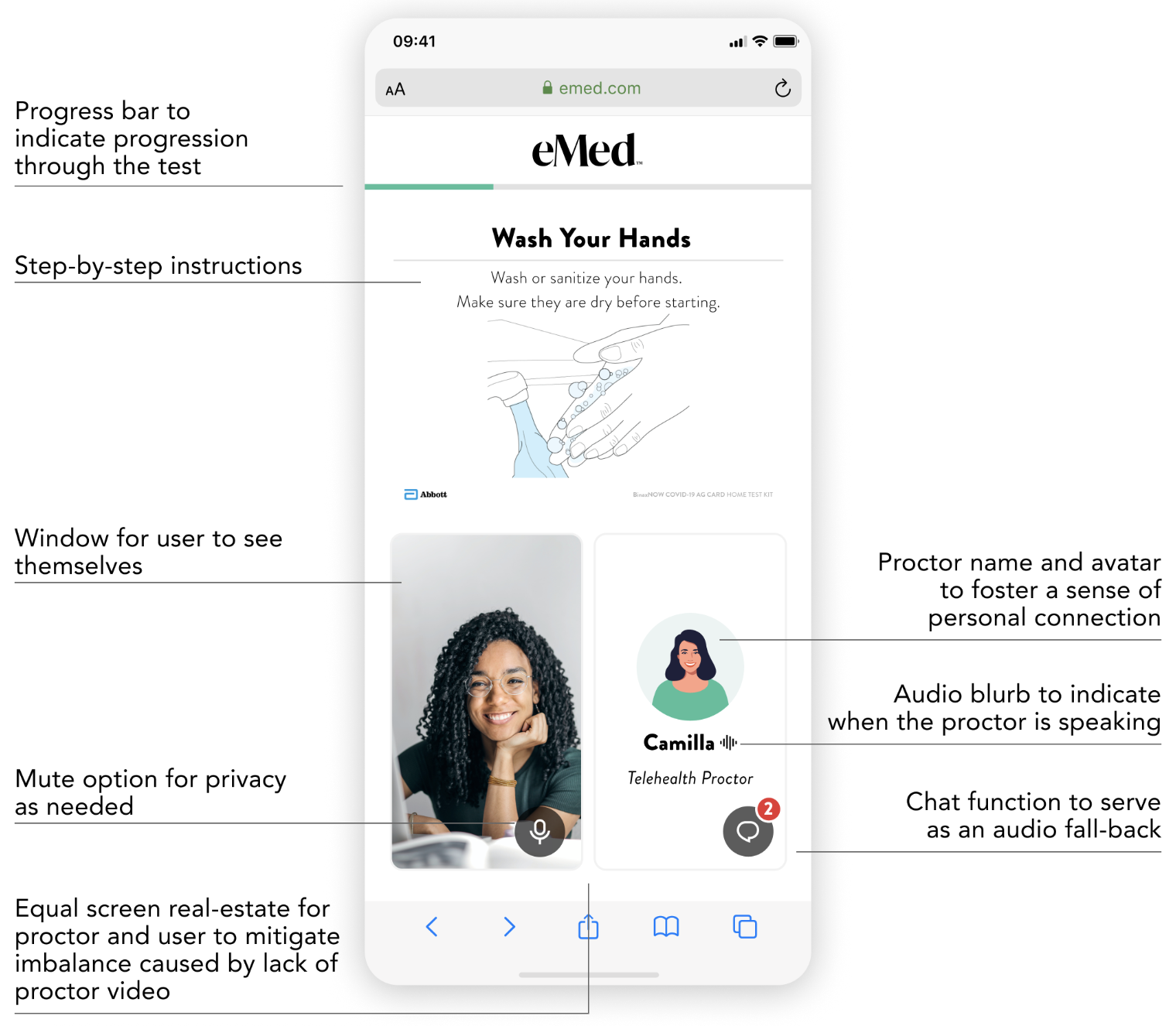
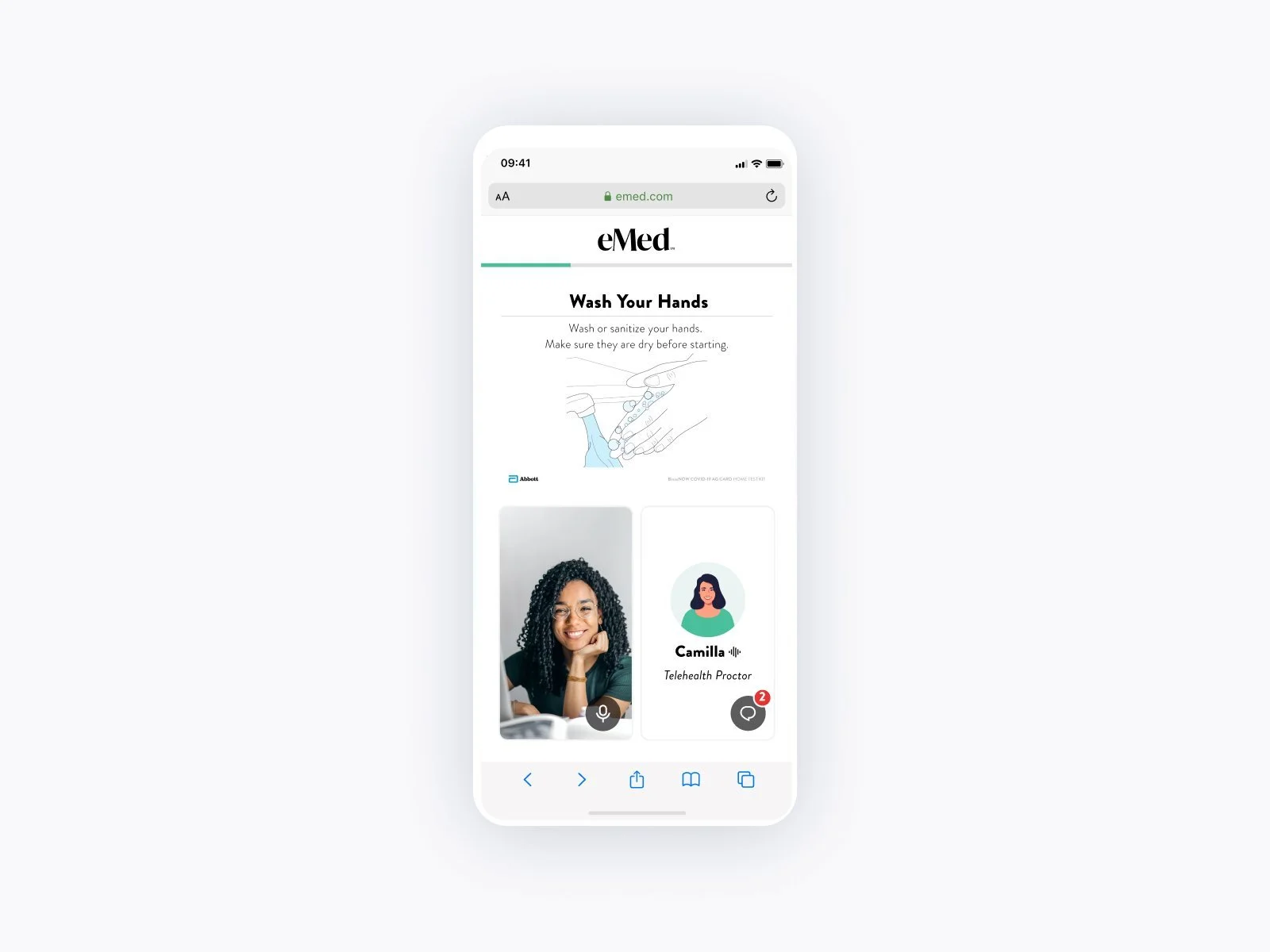
I started by considering how to work around the constraints and by identifying the requirements for the user’s screen: a video window for users to see themselves, an area to view step-by-step instructions on how to take the test, and a chat feature to interact with the proctor in case of hearing disability or poor internet connection.
Users would not be able to see their telehealth proctor’s face, so I decided they should at least be able to see the proctor’s name and an avatar that the proctor could customize.
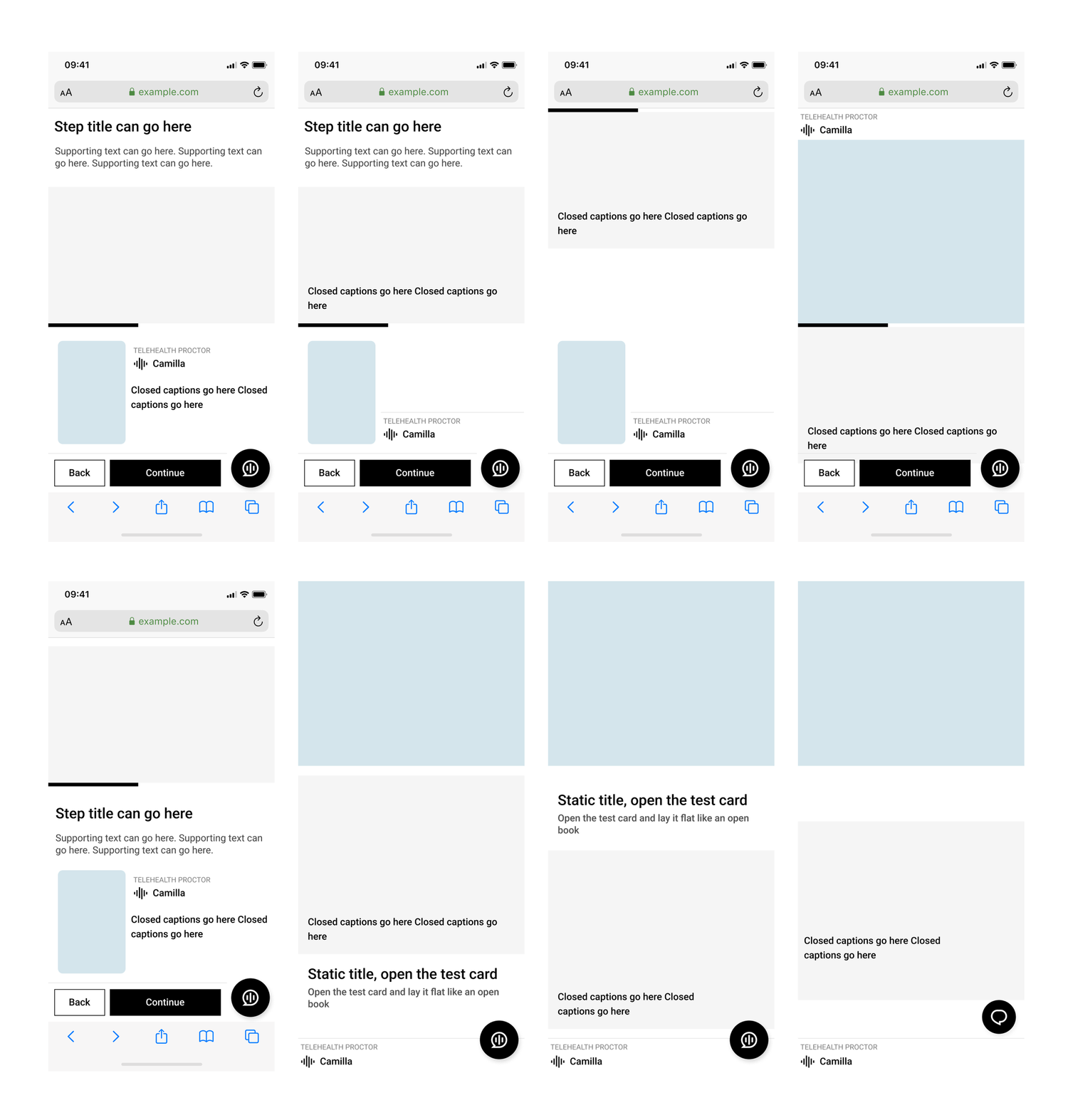
I started with mobile and drafted several options for where to put each element on the screen. For the initial launch, the proctor would control progression through the steps, but I mocked up options for how a user-driven screen would look with navigation buttons. This way, if this feature is needed in the future, the design could scale easily.
I then found and adapted a set of avatars from envato.com. Proctors will be able to customize their avatar from their Proctor tool.
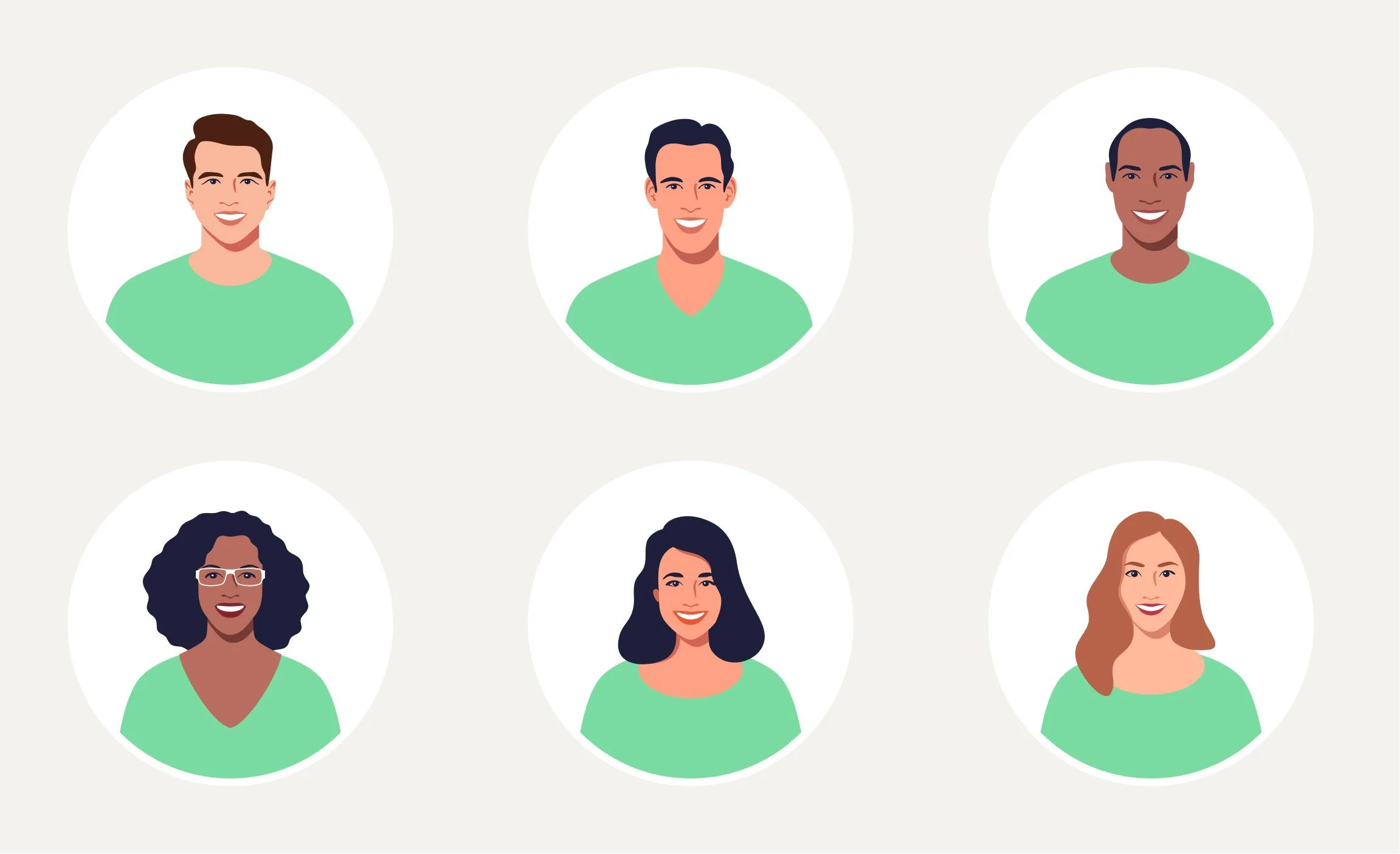
An example of how proctors may choose to customize their avatars. Avatar design adapted from an envato.com asset.
Conclusion
The primary success metric I used to evaluate this design was the customers’ ratings out of 5 stars. The average customer rating was 4.9 stars. I also read the comments that some users chose to leave at the end of their experience, which gave me several ideas for future iterations.